Double bookings for the same stylist
A name written in the wrong column, or a booking made by message that never reaches the diary, can leave two clients booked for the same time.

 English
USD
English
USD
 България
EUR
България
EUR
 Türkiye
TRY
Türkiye
TRY
 Қазақстан
KZT
Казахстан · Русский
KZT
Қазақстан
KZT
Казахстан · Русский
KZT
 საქართველო
GEL
Georgia · English
GEL
Грузия · Русский
GEL
საქართველო
GEL
Georgia · English
GEL
Грузия · Русский
GEL
 Oʻzbekiston
USD
Узбекистан · Русский
USD
Oʻzbekiston
USD
Узбекистан · Русский
USD
 Кыргызстан
KGS
Кыргызстан
KGS
 Srbija
RSD
Srbija
RSD
 Crna Gora
EUR
Crna Gora
EUR
 Shqipëria
ALL
Shqipëria
ALL
 Moldova
MDL
Moldova
MDL
 Azərbaycan
AZN
Азербайджан · Русский
AZN
Azərbaycan
AZN
Азербайджан · Русский
AZN
 Bosna i Hercegovina
BAM
Bosna i Hercegovina
BAM
 Kosova
EUR
Kosova
EUR
 Indonesia
IDR
Indonesia
IDR
 Philippines
PHP
Philippines
PHP
 Polska
PLN
Polska
PLN
 Česko
CZK
Česko
CZK
 België
EUR
Belgique · Français
EUR
Belgium · English
EUR
België
EUR
Belgique · Français
EUR
Belgium · English
EUR
 Nederland
EUR
Netherlands · English
EUR
Nederland
EUR
Netherlands · English
EUR
 Luxembourg
EUR
Luxembourg · English
EUR
Luxembourg
EUR
Luxembourg · English
EUR
 Magyarország
HUF
Magyarország
HUF
 España
EUR
España
EUR
 Lietuva
EUR
Lietuva
EUR
 Latvija
EUR
Latvija
EUR
 Eesti
EUR
Eesti
EUR
Online booking · Beauty salons
Clients choose a service, a stylist and a free slot from one link in your Instagram bio, Google profile or WhatsApp replies. Every stylist's day is on one calendar, with confirmation and reminder emails, from 99 ₾ a month.
14 days freeNo card requiredSet up the same day
This is the working booking page and team calendar. Book a slot with one stylist and the appointment appears in their column.
Online booking gives your salon a page where clients choose a service, a stylist and one of the free slots. With TapTime the page reads each stylist's working hours and existing appointments, so it only offers times that are actually open. Add its link to your Instagram bio or Google profile; the client receives a confirmation email and a reminder 24 hours before.
A shared diary does not show each stylist's hours, days off or the time needed between services, so errors are easy to make.
A name written in the wrong column, or a booking made by message that never reaches the diary, can leave two clients booked for the same time.
When working hours are agreed verbally, clients can be booked with a stylist who is not working that day.
Checking whether the day is full means reading every column of the diary, and stylists cannot see their own schedule on their phone.
Set hours, days off and buffers once. The booking page and the front desk then work from the same availability.
Every stylist has a photo, a title and their own weekly schedule, including late starts, days off and half days. The page only books within those hours.
For a holiday, a course or a sick day, override the schedule for that week, and the page stops offering that stylist's slots immediately.
Give each service its actual duration plus the time needed afterwards to prepare the chair, so appointments do not overlap and the day stays on schedule.
See every stylist's day side by side: who is fully booked, who has a gap and where a walk-in fits.
A stylist can be limited to their own schedule and see only their appointments on their phone. The owner and reception see the whole team.
The link in your profile opens the booking page directly. Reels, stories and pinned posts can all direct clients to the same link.
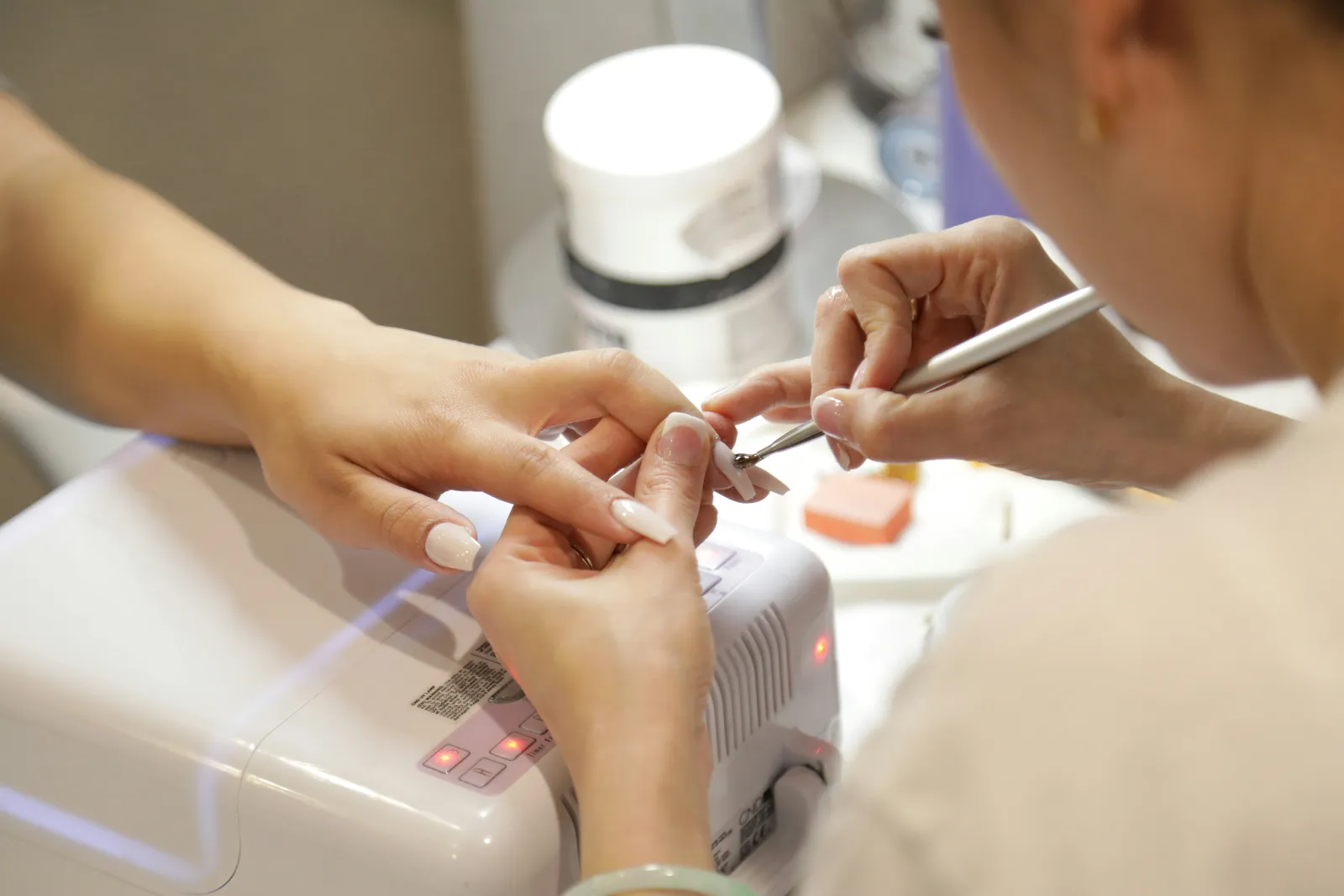
No onboarding call and no setup fee. You enter what you already know about your team.
Add your salon and its first location. It takes a few minutes and no card is required.
Enter each stylist with a photo, a title and a weekly schedule. Add services with duration, price and buffer time.
Share the booking link with clients and give each stylist their own login. The calendar stays up to date as bookings come in.
| Paper diary compared with a team calendar. | Phone, messages and a paper diary | TapTime team calendar |
|---|---|---|
| A stylist's day off | Not always recorded | Set once; the page stops offering that day |
| Two bookings for the same slot | Possible in busy weeks | Prevented; booked slots are removed at once |
| Time between appointments | Not planned consistently | A buffer per service, applied automatically |
| Overview of the salon | Several handwritten columns at the desk | Every stylist side by side, on any phone |
| A stylist checks their day | Calls or asks the front desk | Opens their own calendar on their phone |
| Cost | Idle chairs and scheduling errors | From 99 ₾ a month for up to 3 specialists |
Team chat alerts, Zapier, webhooks and ad conversions are part of the Appointments module at no extra cost. No add-on, no higher tier and no per-event fee, regardless of team size.
How conversions, webhooks and the API work


Online bookings are attributed to the ad, post or link that brought the client, and Google Ads, Meta and GA4 receive one conversion per confirmed booking. Bookings entered at the desk are never counted.






Post confirmed bookings to the team's Telegram or Slack group, and send cancellations and no-shows to the owner's chat. Each chat receives only the events you choose.




Make or Zapier can add every completed appointment to a Google Sheet with the service, time and price, so monthly totals are ready at the end of the month. No code is required.


With more than one location, the REST API lists appointments by branch, date or status, and the ordered event feed keeps your own dashboard in sync. Write keys can confirm or cancel bookings from your tools.
From 99 ₾ a month for up to 3 specialists and 10 services; up to 7 specialists is 169 ₾. The team calendar, the booking page, buffers, days off and unlimited bookings are all included.
Each additional salon gets its own calendar, team and subscription, managed from the same dashboard with staff scoped per location. Other TapTime modules, such as a loyalty card, are priced separately and can be added at any time.
Copy your booking page link from the dashboard and paste it into the website field of your Instagram profile. Clients tap it in your bio, choose a service, a stylist and a free slot, and receive a confirmation email. The same link works on your Google profile and in WhatsApp replies.
Yes. Every stylist has their own weekly schedule, and you can override it for any week for a holiday, a course or a sick day. The booking page only offers slots within those hours.
The calendar. A slot booked online or entered at the desk is taken immediately and is no longer offered to anyone else for that stylist.
Yes. The page shows each stylist with a photo and title. The client chooses one, or selects “anyone available” and sees the slots that are free for any of them.
No. The link opens the booking page in the phone's browser, inside or outside Instagram. There is no download and no account; the client enters a name and contact details and chooses a slot.
The entry plan at 99 ₾ a month covers up to 3 specialists and 10 services. Up to 7 specialists is 169 ₾, and a higher tier is available for larger teams.
Yes. Every booking receives a confirmation email, and a reminder email is sent 24 hours before the appointment with a link to cancel or reschedule.
After a short grace period the module is paused and the booking page shows a brief “temporarily unavailable” note. Nothing is deleted: your stylists, hours and bookings are restored when you reactivate the subscription.
Yes. Connect the team's Telegram group, Slack channel, Microsoft Teams, Google Chat, Discord or Mattermost under Integrations, and TapTime posts each event you choose within seconds, with a link back to the calendar. Everyone in the group sees new bookings as they are made.
Add your stylists and their hours, and share your booking link the same day. Cancel at any time.
14 days free No card required Cancel anytime
Hello. Ask me anything about TapTime — what it does, what it costs, or how to set something up. I answer from our help center.
Answers come from our help center and can be wrong. For anything about your own account, write to us.