Calls during service go unanswered
The phone rings while the waiter has three plates in his hands. It rings out. The guest calls the place down the street and that table is gone for good.

 English
USD
English
USD
 България
EUR
България
EUR
 Türkiye
TRY
Türkiye
TRY
 Қазақстан
KZT
Казахстан · Русский
KZT
Қазақстан
KZT
Казахстан · Русский
KZT
 საქართველო
GEL
Georgia · English
GEL
Грузия · Русский
GEL
საქართველო
GEL
Georgia · English
GEL
Грузия · Русский
GEL
 Oʻzbekiston
USD
Узбекистан · Русский
USD
Oʻzbekiston
USD
Узбекистан · Русский
USD
 Кыргызстан
KGS
Кыргызстан
KGS
 Srbija
RSD
Srbija
RSD
 Crna Gora
EUR
Crna Gora
EUR
 Shqipëria
ALL
Shqipëria
ALL
 Moldova
MDL
Moldova
MDL
 Azərbaycan
AZN
Азербайджан · Русский
AZN
Azərbaycan
AZN
Азербайджан · Русский
AZN
 Bosna i Hercegovina
BAM
Bosna i Hercegovina
BAM
 Kosova
EUR
Kosova
EUR
 Indonesia
IDR
Indonesia
IDR
 Philippines
PHP
Philippines
PHP
Table reservations · Restaurants
Guests open your booking link, pick a date, a time and a party size, and get a confirmation by email. Half a minute for them, zero minutes for you. Every booking lands on your floor plan and in tonight’s list. From 669 PHP a month for up to 5 tables, 14 days free.
14 days freeNo card requiredLive before the first seating

This is the real booking sheet and tonight’s list, not a mock-up. Pick a party size and a time; watch it land in the list.
This is the real booking sheet and tonight’s list, not a mock-up. Pick a party size and a time; watch it land in the list.
Guests open your booking page from a link, choose the date, time and number of people, and receive a confirmation email. The page only offers times you have set as available and tables that are free for that seating. With TapTime the booking appears on your floor plan and in tonight’s list next to phone bookings and walk-ins, and guests can change or cancel it from the same link.
Bookings arrive when you are busiest and when you are closed. At eight the team is carrying plates; at eleven at night the guest is planning tomorrow’s dinner. Both times the phone is the wrong tool.
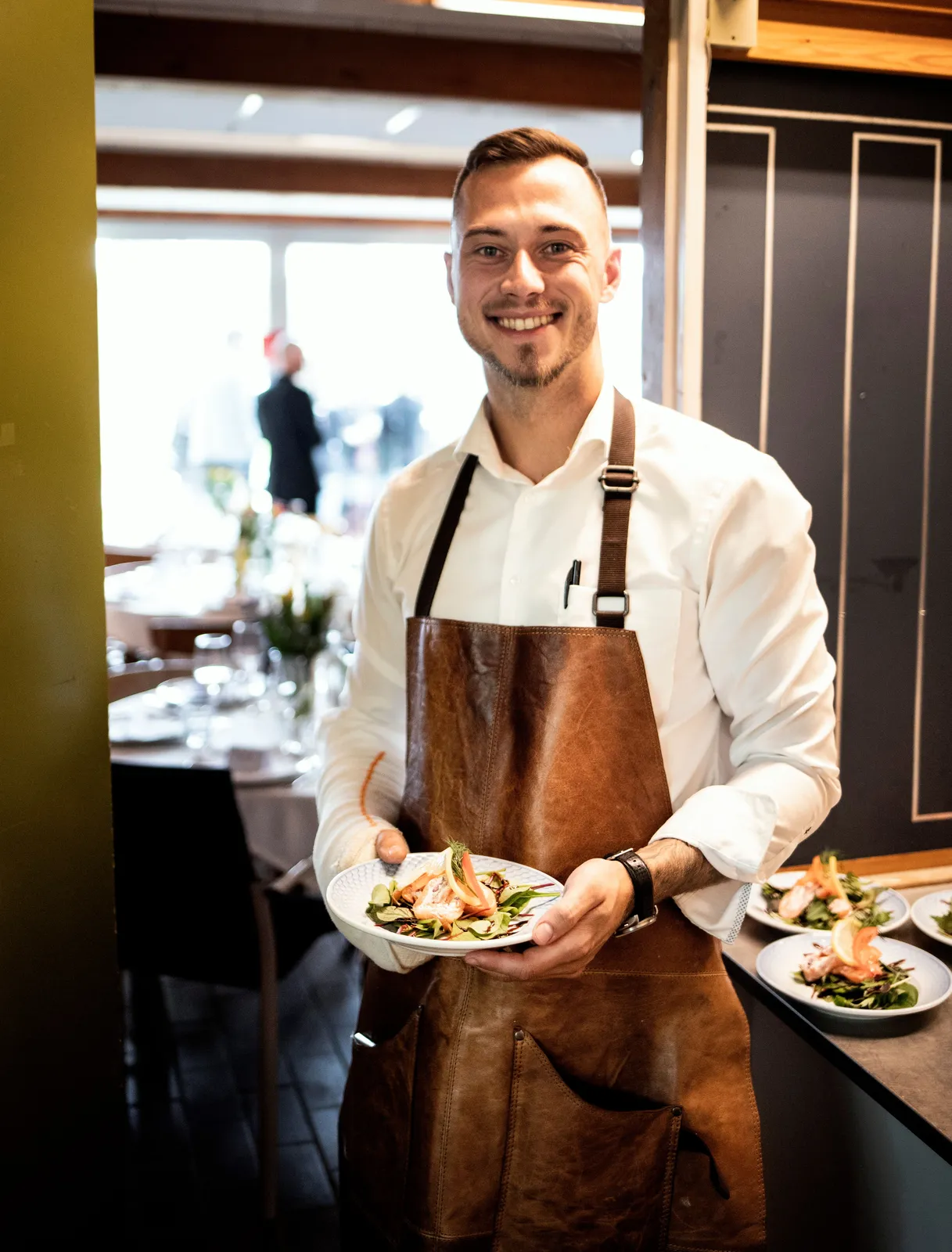
The phone rings while the waiter has three plates in his hands. It rings out. The guest calls the place down the street and that table is gone for good.
People plan a birthday dinner at eleven in the evening on the sofa. If they cannot book right then, some forget and the rest book wherever they can.
A name and a time in pencil. No party size, no phone number, no note about the terrace. Then two bookings land on the same table at the same time.
Everything a guest needs to book, and everything you need to seat them, without a single phone call.
Date, time, party size, name and phone. The guest sees only the times you offer and gets a confirmation email straight away. At 23:00 on a Sunday, too.
Embed the booking form on your website and put the same link in your Instagram bio, on your Google Business profile and in WhatsApp. Every route leads to the same page.
Online bookings, phone bookings and walk-ins sit on the same plan with the same tables. Tonight’s list shows who is coming, at what time, and how many covers.
Slot step, default duration, minimum notice, how far ahead guests can book, a buffer between seatings, the largest party allowed online. Confirm automatically or approve each booking yourself.
The confirmation email carries a link. Guests find, change or cancel their booking with a code sent to their phone. You hear about it in the list, not on the phone.
Terrace or inside, smoking or not, and optionally the exact table. Guests choose what matters to them and the system keeps the rest free.
No hardware, no onboarding call, no setup fee. Draw the room, set the rules, share the link.
Add zones, tables and seat counts on the floor plan. Ten minutes for most dining rooms.
Opening hours, slot step, seating duration, buffer, minimum notice and how far ahead guests can book.
Website, Instagram, Google, WhatsApp. The first booking can arrive before the end of the shift.
One booking that would never have been a phone call.
A guest on the sofa decides on dinner for Saturday. She opens the link in the restaurant’s Instagram bio, picks 20:00 for four and chooses the terrace. Half a minute. The restaurant closed an hour ago.
The confirmation email lands in her inbox. The booking appears on the floor plan at table 9 and in Saturday’s list with four covers.
Saturday. The manager opens tonight’s list before service: fourteen bookings, fifty-two covers, six of them booked online since yesterday. Nobody has picked up the phone all day.
Two friends come in without a booking. The host seats them as a walk-in at table 3 on the same plan, and table 9 stays free for the party of four at eight.
Bookings made after closing still reach Google Ads, Meta and your team. It comes with table reservations at no extra cost: no add-on, no higher tier, no fee per booking sent.
How conversions, webhooks and the API work


Every online booking goes to Google Ads, Meta and GA4 when it is confirmed, sent from the server, so a guest who closes the tab on the sofa loses you nothing. Bookings you type in from a call never count.






On manual confirmation, each new request posts to your Telegram group or Slack with the name, time and party size, and a link to confirm it in the dashboard. Nobody has to check the list at noon.




Zapier, Make, n8n or Pipedream add each confirmed booking to Google Sheets, or the guest to HubSpot, with no code. The birthday dinner booked at midnight is on the kitchen's prep sheet by morning.


Read reservations through the REST API, or confirm and cancel them with a read-write key; the change fires the same webhooks and conversions. Signed webhooks push each booking as it happens.
From 669 PHP a month for up to 5 tables; 2 229 PHP for up to 20. Unlimited bookings, unlimited guests, no fee per cover. Tiers go up to 40 tables for the largest rooms.
Several restaurants? Each location has its own floor plan and its own subscription under one account, with staff scoped to their location. A QR menu or a loyalty card can be switched on separately.
No. The booking page opens in the phone’s browser from a link or a QR code. Guests pick a time, enter their name and phone number and get an email confirmation. No download, no account.
You add them yourself in the dashboard in a few seconds, and they appear on the same floor plan and in the same list as online bookings. One list, every source.
Yes. Choose automatic confirmation, or manual confirmation so every request waits for your approval. You can also cap the party size guests can book online and ask larger groups to call.
The booking page only offers tables that are free for that seating, including the buffer you set between seatings. A table that is booked, held or seated by a walk-in cannot be booked again for that time.
Yes. The confirmation email contains a link where the guest can find, change or cancel the booking, protected by a code sent to their phone. The change shows up in your list straight away.
Most restaurants are live within an hour: draw the floor plan with zones and seat counts, set opening hours and booking rules, and share the link. No onboarding call, no setup fee.
From 669 PHP a month for up to 5 tables, 2 229 PHP for up to 20, with tiers up to 40 tables. Unlimited bookings, paid monthly by card. No contract, no setup fee; the first 14 days are free and no card is needed to start.
After a short grace period the booking page is paused with a brief “temporarily unavailable” note. Your floor plan, settings and booking history are kept. Switch it back on and guests can book again.
Yes. Connect a Telegram group, Slack, Microsoft Teams or Google Chat under Integrations and choose which events it hears, such as new requests, confirmations and cancellations. TapTime posts each one within seconds with the guest, time and party size, in the language you pick.
Fourteen days free, no card, cancel any time. Draw the room, share the link, watch the list fill.
14 days free No card required Cancel anytime
Hello. Ask me anything about TapTime — what it does, what it costs, or how to set something up. I answer from our help center.
Answers come from our help center and can be wrong. For anything about your own account, write to us.