“Is Friday free?” at 23:15, and the diary is at the salon
You answer from bed, guess a slot, promise to check in the morning. By morning there are three more messages and one of them has already booked next door.

 English
USD
English
USD
 България
EUR
България
EUR
 Türkiye
TRY
Türkiye
TRY
 Қазақстан
KZT
Казахстан · Русский
KZT
Қазақстан
KZT
Казахстан · Русский
KZT
 საქართველო
GEL
Georgia · English
GEL
Грузия · Русский
GEL
საქართველო
GEL
Georgia · English
GEL
Грузия · Русский
GEL
 Oʻzbekiston
USD
Узбекистан · Русский
USD
Oʻzbekiston
USD
Узбекистан · Русский
USD
 Кыргызстан
KGS
Кыргызстан
KGS
 Srbija
RSD
Srbija
RSD
 Crna Gora
EUR
Crna Gora
EUR
 Shqipëria
ALL
Shqipëria
ALL
 Moldova
MDL
Moldova
MDL
 Azərbaycan
AZN
Азербайджан · Русский
AZN
Azərbaycan
AZN
Азербайджан · Русский
AZN
 Bosna i Hercegovina
BAM
Bosna i Hercegovina
BAM
 Kosova
EUR
Kosova
EUR
 Indonesia
IDR
Indonesia
IDR
 Philippines
PHP
Philippines
PHP
Booking link · Beauty salons
One link in the bio, on your Google profile and in every WhatsApp reply. It opens a booking page that shows only your free slots; the client picks the service, the stylist and the time, and the confirmation goes out by email. From 669 PHP a month, 14 days free.
14 days freeNo card requiredOne link for every channel
This is the real page your link opens, not a screenshot. Pick a service, a stylist and a slot.
This is the real page your link opens, not a screenshot. Pick a service, a stylist and a slot.
Create a booking page for the salon and paste its link into the Instagram bio. With TapTime the page shows your services, your stylists and only the slots that are free; a client taps the link, picks a time and gets a confirmation email. The same link works on your Google Business profile, in WhatsApp replies and on your website, and opens in the browser without an app.
The post did its job: she wants the appointment. Then the booking happens in a thread of messages, at night, from memory, with the diary somewhere else.
You answer from bed, guess a slot, promise to check in the morning. By morning there are three more messages and one of them has already booked next door.
Which service, which stylist, which day, which time, is that with or without a blow-dry, can you do earlier. Then you write it in the book and hope you got it right.
One in DMs, one in a voice note, one on a sticky note by the till. Two of them are for the same 15:00 on Saturday.
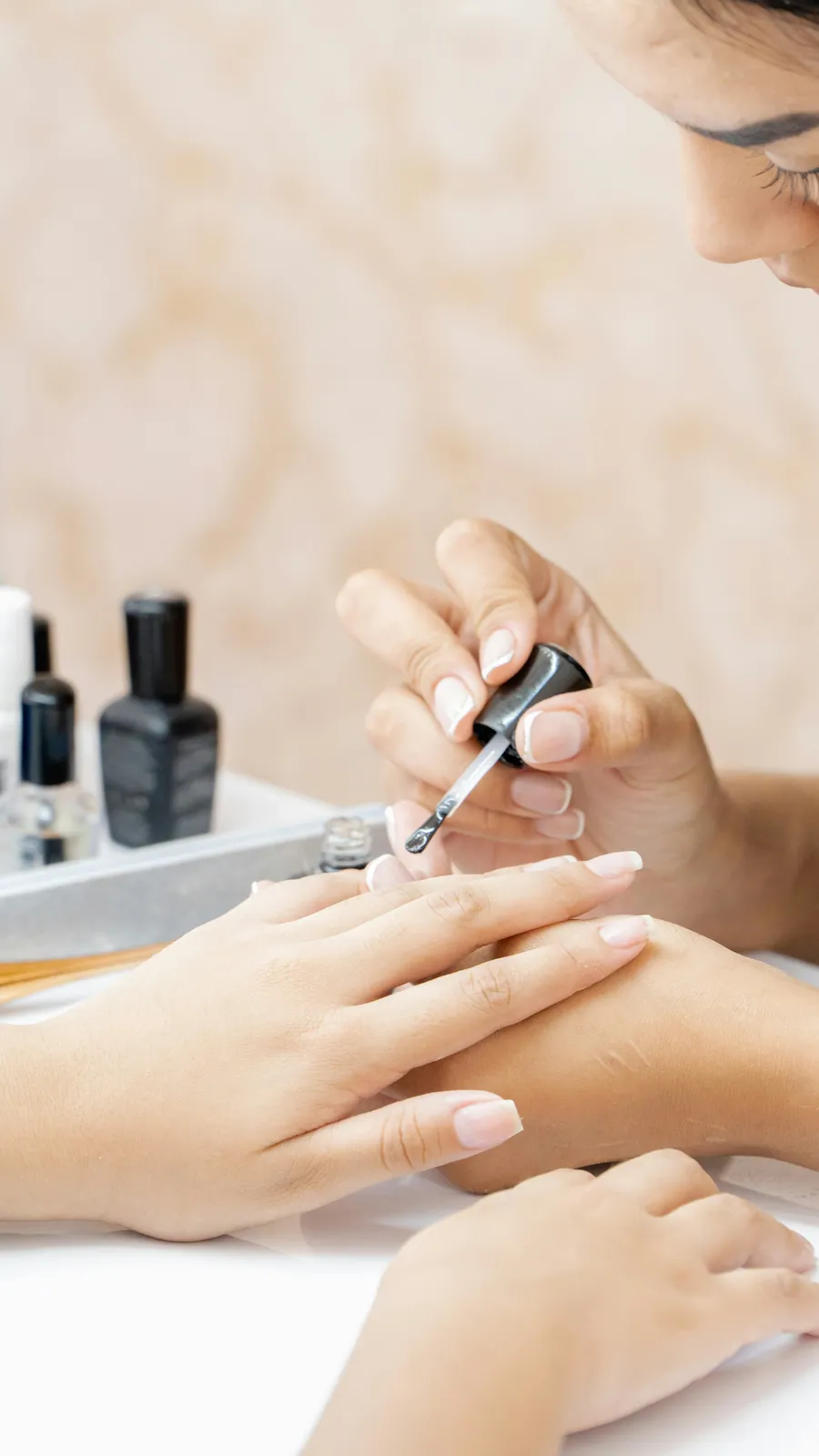
Paste it once into the bio. From then on every client who taps it sees the services, the stylists and the free slots, and books without a single message.
One tap from your profile opens the booking page. Every reel, story and pinned post can point to the same place: the link in the bio.
Add it to your Google Business profile, paste it into WhatsApp replies, put a button on the website. One page, one calendar behind all of them.
The page reads each stylist's hours and existing bookings, so a client never has to ask whether Friday at 15:00 is free. If it is shown, it is free.
Each service with its duration and price. The client knows what a balayage costs and how long it takes before she books; no price questions in the DMs.
The moment she books, a confirmation email goes out. Twenty-four hours before, a reminder with a link to cancel or reschedule. You never type “see you Friday” again.
A client who still writes in DMs? Type the booking into the calendar yourself. Page bookings and desk bookings sit in the same list, so the free slots stay true.
No onboarding call, no setup fee, no website needed. The page is yours as soon as the services are in.
Your salon and its first location. Two minutes, no card.
Each service with duration and price, each stylist with a photo and hours. Fifteen minutes with the price list in front of you.
Copy the booking link into your Instagram bio, your Google Business profile and the WhatsApp message you send to anyone who asks. Pin a story that says “book here”.
How a Sunday night and the Monday after look when the bio link does the booking.
A story of Friday's balayage goes up. A few hundred people see it; a dozen tap the link in the bio.
One of them books a balayage with Nina for Wednesday at 16:00. Confirmation email sent. Nobody at the salon has touched a phone.
A regular writes in DMs anyway: “can I come Saturday?” The reply is one line and the link. She books the 10:00 herself.
Monday morning, the owner opens the calendar: five new bookings from last night, all from the page, none of them double-booked.
Your bio link remembers where each client came from and passes it to your ads, your chat and your tools. Included with Appointments at no extra cost: no add-on, no higher tier, no per-event fee.
How conversions, webhooks and the API work


Tag the bio link and each story link with UTM tags. The campaign stays on the client's phone for 30 days, and every confirmed booking reaches Meta's Conversions API with the service price as its value.






Instead of a six-message thread, you get one message per booking in Telegram or Discord: who, when, how much and a link to the calendar. Nothing to reply to, nothing to copy into the book.




Zapier or Make can add each client who books from the link to HubSpot or Pipedrive, together with the campaign that brought her. Later you can sort your regulars by the post that found them.


If your marketer runs campaigns through an ad tracker, a postback sends it the booking id, status, value and click id. Signed webhooks and the REST API carry the same attribution for any other system.
From 669 PHP a month for up to 3 specialists and 10 services; up to 7 specialists is 1 189 PHP. The booking page, the link, the calendar, confirmation and reminder emails and unlimited bookings are included.
More than one salon? Each location gets its own booking link and its own subscription under one account. A loyalty card for your regulars can be added later; modules are switched on separately.
No. The link opens the booking page in the phone's browser, inside Instagram or outside it. No download and no account; the client enters a name and contact details and picks a slot.
Yes. It is one link to one page. Put it on your Google Business profile, paste it into WhatsApp replies and add a button to your website; every booking lands in the same calendar.
Yes. The page shows each stylist with a photo and title. The client picks one, or chooses “anyone available” to see the slots that are free for any of them.
Yes. The booking page is hosted for you and has its own link. Many salons run entirely from Instagram, Google and WhatsApp with this one link and no website at all.
Some clients will always write. Reply with the link, or type their booking into the calendar yourself; page bookings and desk bookings sit in one list, so nothing is double-booked.
From the link in their confirmation or reminder email, up to the cancellation deadline you set. The slot frees up on the page at once. No DM, no call.
From 669 PHP a month for up to 3 specialists and 10 services, paid monthly by card. No contract and no setup fee; the first 14 days are free without entering a card.
After a short grace period the booking page is paused and shows a brief “temporarily unavailable” note where the link points. Nothing is deleted; switch it back on and the page is exactly as it was.
Yes. Add UTM tags to the bio link or to each story's link, and TapTime saves them on the booking along with the referrer and any Meta click id. You see them on the booking itself, in the booking sources on your dashboard and in your exports.
Fourteen days free, no card, cancel any time. The next story you post can book appointments on its own.
14 days free No card required Cancel anytime
Hello. Ask me anything about TapTime — what it does, what it costs, or how to set something up. I answer from our help center.
Answers come from our help center and can be wrong. For anything about your own account, write to us.