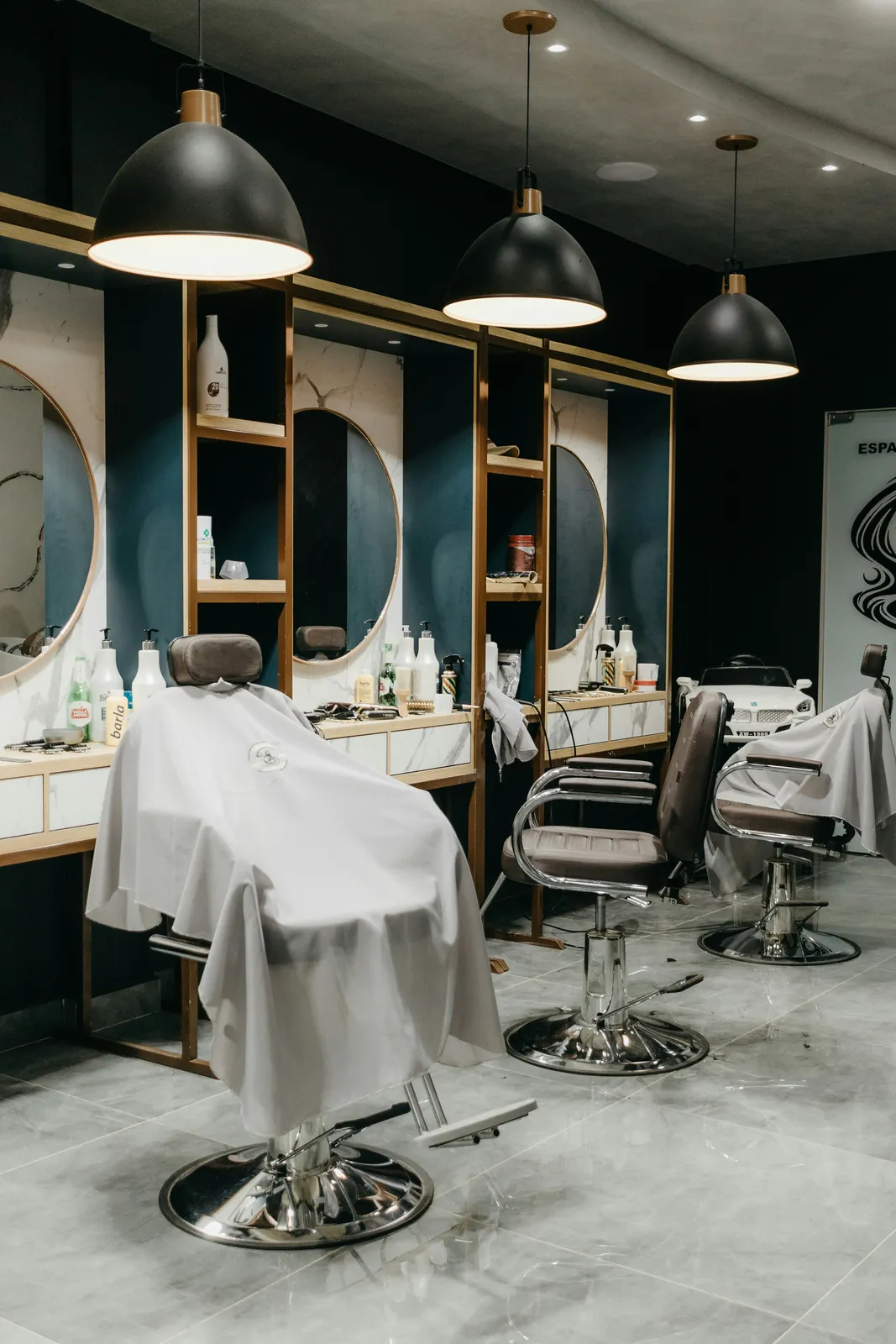
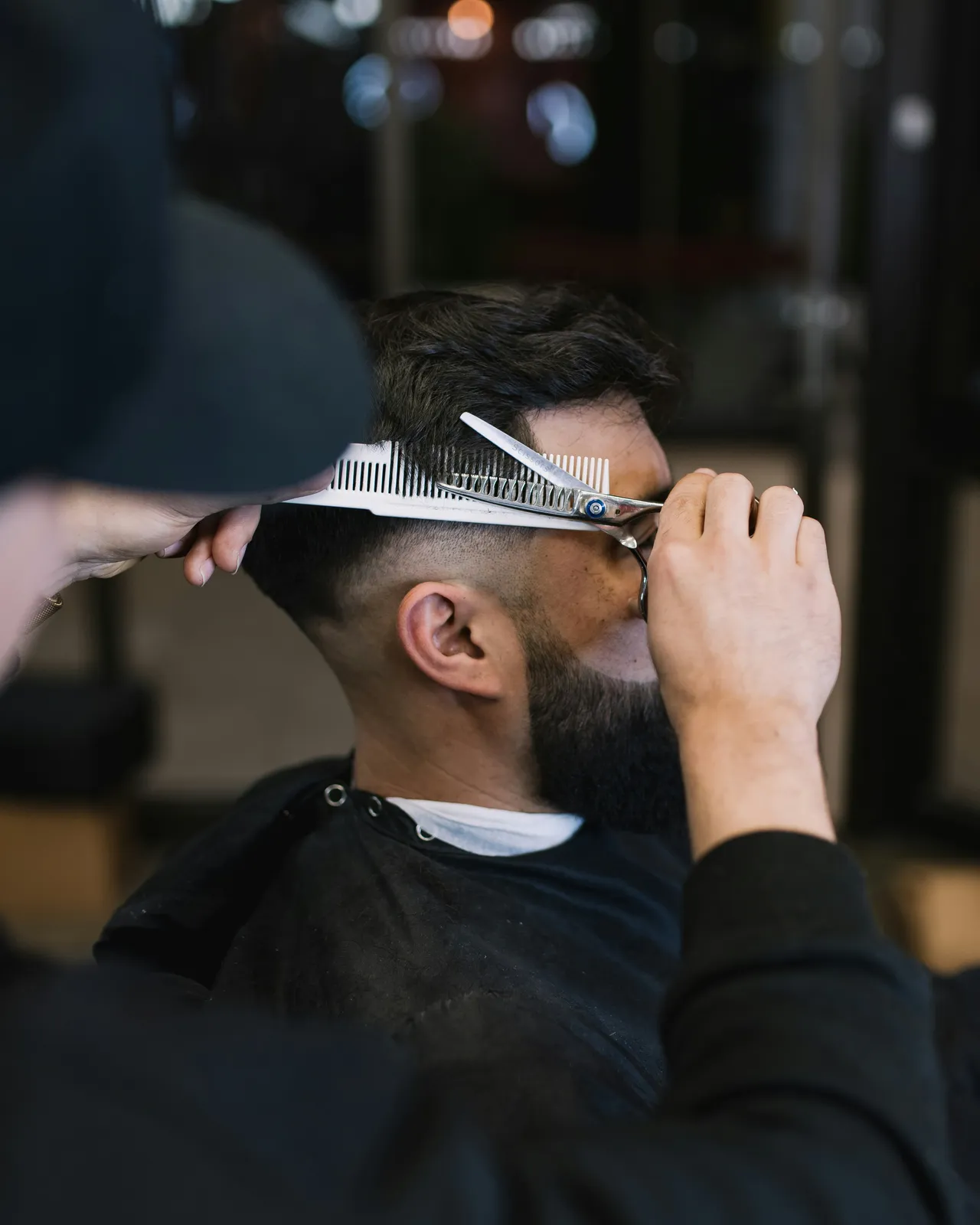
From a queue at the door to a day you can see at 09:00. Keep the walk-ins, book the regulars.
You do not have to choose between walk-ins and appointments. Regulars book their slot on the page; the walk-in at the door goes into the same calendar at the counter. You set the slot step and the minimum notice, so the day fills in a shape you decide. From 99 ₾ a month, 14 days free.
14 days freeNo card requiredWalk-ins still welcome
1
list for page bookings and walk-ins
99 ₾
a month for up to 3 barbers
Your rules
slot step, minimum notice, booking horizon
14 days
free trial, no card required
Try the booking page below
This is the real booking page and the shop's day, not a mock-up. Book a slot and watch the calendar fill.
Corner BarbersBook an appointment
Service
With
Time
Team calendarToday
TTomasAAliNNik10:0011:0012:0013:0014:0015:0016:00Fade and beard trimClassic cutBeard trimClassic cutClassic cut
This is the real booking page and the shop's day, not a mock-up. Book a slot and watch the calendar fill.
Should a barbershop take walk-ins or appointments?
Both, if the calendar can hold both. Let regulars book online so the day has a shape before you open, and put walk-ins into the same calendar at the counter as they arrive. TapTime does this with one list for page bookings and counter bookings, a slot step and minimum notice you set, and a booking page that only offers slots that are still free after the walk-ins are in.
Saturday, 08:55, at Corner Barbers.
How a walk-in Saturday looks once the regulars have booked.
Before the door opens, the calendar already shows eleven bookings across three chairs. The owner knows Tomas is full until 13:00 and Ali has gaps.
Two walk-ins arrive. They are typed into Ali's next two free slots at the counter. The page stops offering those slots at the same moment.
A regular who booked 14:00 with Tomas three weeks ago walks in and sits straight down. Nobody in the queue had that slot; the page never offered it twice.
Someone tries to book 17:00 from the page. Minimum notice is two hours, so the earliest slot they see is Monday. The last hour stays for walk-ins, as planned.
A queue at the door is not a business plan. It just feels like one.
Some days six people wait and two walk out. Other days a barber sits for an hour. You cannot plan staff, breaks or your own lunch around a door you cannot see through.
1
Saturday is a queue, Tuesday is a barber on his phone
The walk-in day is either too full or too empty. You lose the ones who would not wait and you pay the ones who had nobody to cut.
2
Regulars deserve better than “take a seat, maybe forty minutes”
The guy who has come every four weeks for two years still queues behind a stranger. One day he tries the shop that let him book.
3
The phone bookings live on a sticky note
Someone rang and asked for 11:00 on Saturday. It is on a scrap by the till. The walk-in who sat down at 10:50 does not know that.
A calendar that holds walk-ins and bookings side by side.
Bookings from the page and bookings from the counter go into one list. The page only offers what is still free, so the walk-in you just seated is never sold twice.
01
One list: page, phone and walk-in
A walk-in at the counter is typed into the calendar in seconds and takes the slot. Page bookings and counter bookings sit together, in order, for every barber.
02
A slot step you decide
Choose how often a slot starts, so it matches your shortest cut and the day fills without awkward gaps. Give each service its real length and a buffer after it.
03
Minimum notice and booking horizon
Decide how late a client can book, an hour ahead or a day ahead, and how far into the future the page goes. Same-day bookings stop surprising you.
04
Regulars book, and rebook
Your regular picks his barber and his usual slot on the page. Next month he opens the same link and does it again. He never queues behind a stranger.
05
The whole day at 09:00
Open the calendar before you unlock the door: every barber, every booked slot, every gap. You know who is busy at 14:00 and where the walk-ins will fit.
06
Reminders that keep booked slots booked
A confirmation email at booking, a reminder 24 hours before with a link to cancel or move. A canceled slot goes straight back on the page for someone else.
Move the regulars first. The queue follows.
No onboarding call, no setup fee. Keep cutting walk-ins the whole time; the bookings simply start appearing around them.
01
Create the account
Your shop and its first location. Two minutes, no card.
02
Add cuts, barbers and your rules
Services with duration and price, barbers with their hours, then the slot step and minimum notice that suit a walk-in shop.
03
Give the link to the regulars
Instagram bio, Google profile, a card by the mirror. Walk-ins keep coming through the door and go into the same calendar at the counter.
Walk-in only versus walk-ins plus bookings, honestly.
Walk-in only versus walk-ins plus bookings, honestly.
Phone, DMs and a paper diary
TapTime bookings alongside walk-ins
How the day starts
An empty shop, or six people waiting
The calendar shows the day before you open
Regulars
Queue behind whoever came first
Book their barber and their slot from the link
Walk-ins
Take a seat, maybe forty minutes
Typed into the same calendar, in the next real gap
The phone booking
A sticky note by the till
In the calendar, next to everything else
Same-day bookings
Whenever someone can answer
Only with the notice you set
What it costs
Walk-outs on Saturday, empty chairs on Tuesday
From 99 ₾ a month for up to 3 barbers
See who books ahead, who cancels and who never shows, without standing at the door
Moving regulars from the queue to the calendar works best when you can watch it happen. Booking sources, chat alerts, automations, ad conversions and the API come with appointments at no extra cost and no per-event fee.
Every online booking keeps its UTM tags, referrer and channel, and the dashboard sums them up as booking sources. Confirmed ones reach Meta, Google Ads and GA4; counter walk-ins never do.
No-shows and cancellations in the shop chat
A client cancels Saturday’s 11:00 and the shop’s Telegram or Discord hears it in seconds, so the chair goes to the next walk-in. Marked no-shows post too, so you see them on your day off.
A no-show list that writes itself, no code
Zapier or Make can log each no-show to a Google Sheet with the client’s name and time, so you know whose Saturday request to approve by hand next time. No code needed.
Every status change, signed and delivered
Requested, confirmed, cancelled, no-show, completed: each fires a signed webhook with the whole booking. The REST API and its event feed let your own tools count regulars week by week.
Priced by barbers, not by walk-ins or bookings.
From 99 ₾ a month for up to 3 barbers and 10 services; up to 7 barbers is 169 ₾. The calendar, the booking page, your slot rules, confirmation and reminder emails and unlimited bookings are included.
More than one shop? Each location gets its own calendar and its own subscription under one account. A loyalty card for your regulars can be added later; modules are switched on separately.
Built for shops that have always run on walk-ins.
Walk-in barbershops
High-street barbers
Barbershops near offices
Barbershops in shopping centers
Neighbourhood barbers
Barbershops with a Saturday queue
Two-chair shops
Shops moving to appointments for the first time
Questions walk-in barbershops ask before taking bookings.
Can I keep taking walk-ins?
Yes. Walk-ins go into the calendar at the counter and sit in the same list as page bookings. The page only offers the slots still free after your walk-ins are in.
Can I stop people booking at the last minute?
Yes. Set a minimum notice, for example two hours or a full day, and the page will not offer anything closer. You can also limit how far ahead clients can book.
How do I keep room for walk-ins if the page fills the day?
Set the minimum notice so the next hour or two is never bookable from the page, and the booking horizon so it does not fill weeks ahead. What the page does not offer stays for the door, and you can type a walk-in into any free slot yourself.
Do clients need an app?
No. The booking page opens in the phone's browser from a link in your Instagram bio, your Google profile or a WhatsApp reply. Nothing to install.
Is there a virtual queue or a waitlist?
No. TapTime is a bookings calendar, not a ticket system. Walk-ins are typed into the next free slot at the counter, and regulars book ahead, so the queue gets shorter on its own.
What does it cost?
From 99 ₾ a month for up to 3 barbers and 10 services, paid monthly by card. Walk-ins are not counted and bookings are unlimited. No contract, no setup fee, 14 days free with no card.
Will my barbers see the same calendar?
Yes. It is one calendar for the shop. Each barber can be limited to seeing their own chair, while you see the whole day.
What happens if I stop paying?
After a short grace period the booking page is paused with a brief “temporarily unavailable” note. Nothing is deleted. Your barbers, services and bookings are all there when you switch it back on.
Can I get an alert when a barbershop client does not show up?
Yes. When you mark a booking as a no-show, TapTime can post it to Telegram, Slack, Discord or another team chat and send it to Zapier, Make or your own webhook. You choose which events each destination hears, so no-shows can go to the owner only.