A price change means a reprint or a sticker
Milk went up, so the flat white went up, and now there is a strip of tape over every menu on the counter. Or you eat the difference until the next print run.

 English
USD
English
USD
 България
EUR
България
EUR
 Türkiye
TRY
Türkiye
TRY
 Қазақстан
KZT
Казахстан · Русский
KZT
Қазақстан
KZT
Казахстан · Русский
KZT
 საქართველო
GEL
Georgia · English
GEL
Грузия · Русский
GEL
საქართველო
GEL
Georgia · English
GEL
Грузия · Русский
GEL
 Oʻzbekiston
USD
Узбекистан · Русский
USD
Oʻzbekiston
USD
Узбекистан · Русский
USD
 Кыргызстан
KGS
Кыргызстан
KGS
 Srbija
RSD
Srbija
RSD
 Crna Gora
EUR
Crna Gora
EUR
 Shqipëria
ALL
Shqipëria
ALL
 Moldova
MDL
Moldova
MDL
 Azərbaycan
AZN
Азербайджан · Русский
AZN
Azərbaycan
AZN
Азербайджан · Русский
AZN
 Bosna i Hercegovina
BAM
Bosna i Hercegovina
BAM
 Kosova
EUR
Kosova
EUR
 Indonesia
IDR
Indonesia
IDR
 Philippines
PHP
Philippines
PHP
QR menu · Cafés and coffee shops
Change a price, add the seasonal latte or mark the last almond croissant sold out from the phone behind the counter, and every guest sees it in their own language. Use it as a menu only, or switch ordering on when you are ready. 49 ₾ a month per location, flat.
14 days freeNo card requiredLive before the lunch rush
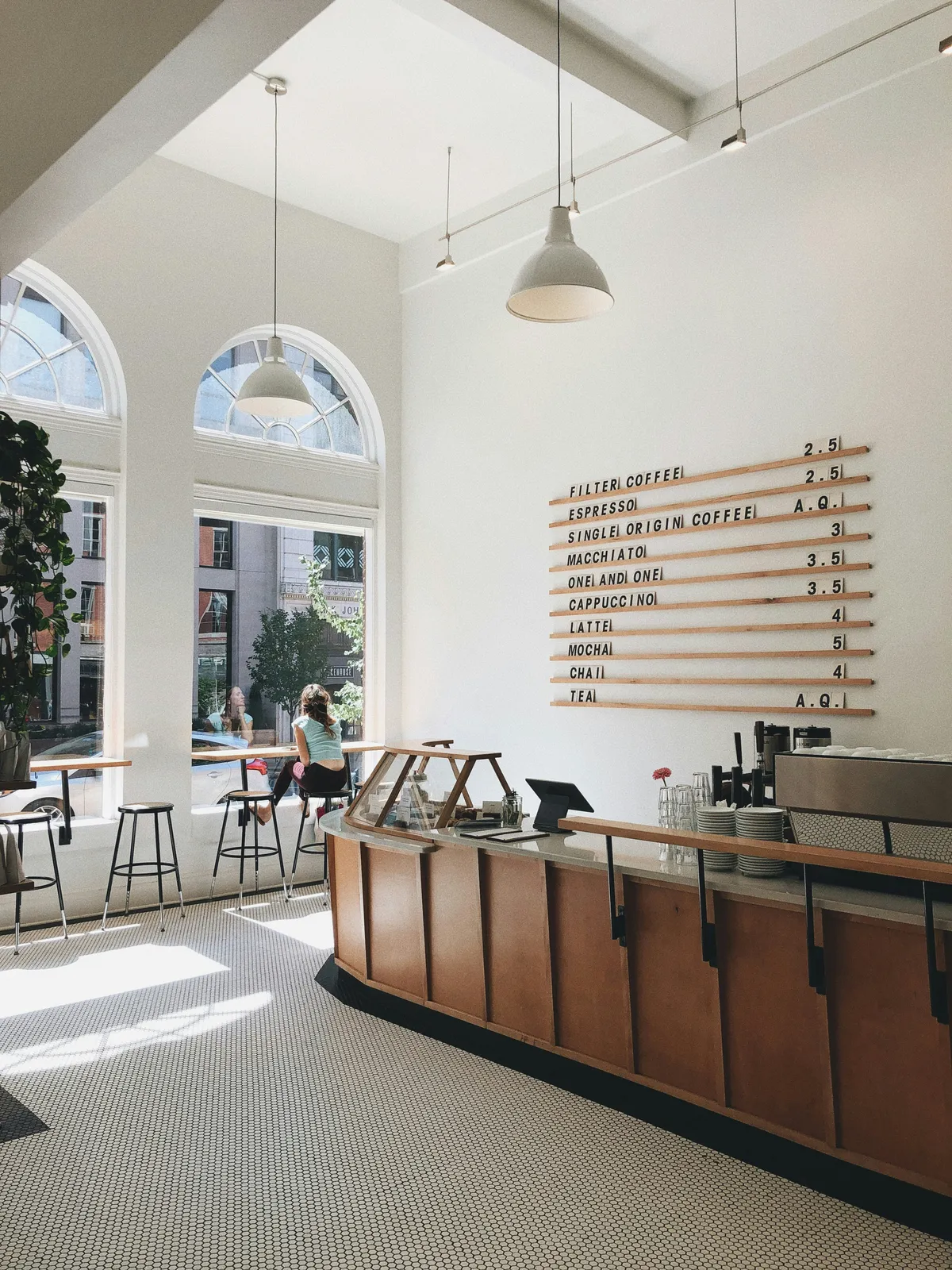
This is the real menu editor and the guest’s phone, not a video. Change a price and watch the phone update.
This is the real menu editor and the guest’s phone, not a video. Change a price and watch the phone update.
A QR menu for a café is a digital menu that opens in the guest’s phone browser when they scan a code on the counter or the table. No app, no download. With TapTime you change prices, add a seasonal drink or mark a pastry sold out from your phone, and every guest sees the change at once, in their own language, on the same code you printed once.
A café menu changes every week: the seasonal drink, the new price for oat milk, the pastry that sold out at ten. Paper cannot keep up, and the guest at the counter is reading last month’s prices.
Milk went up, so the flat white went up, and now there is a strip of tape over every menu on the counter. Or you eat the difference until the next print run.
The cinnamon rolls are gone, but the menu still lists them. Every third guest asks, every third guest is disappointed, and the barista explains it forty times a day.
Half your summer guests do not read the language on the board. They order the safe thing, skip the pastry and never find out about the filter coffee you are proud of.
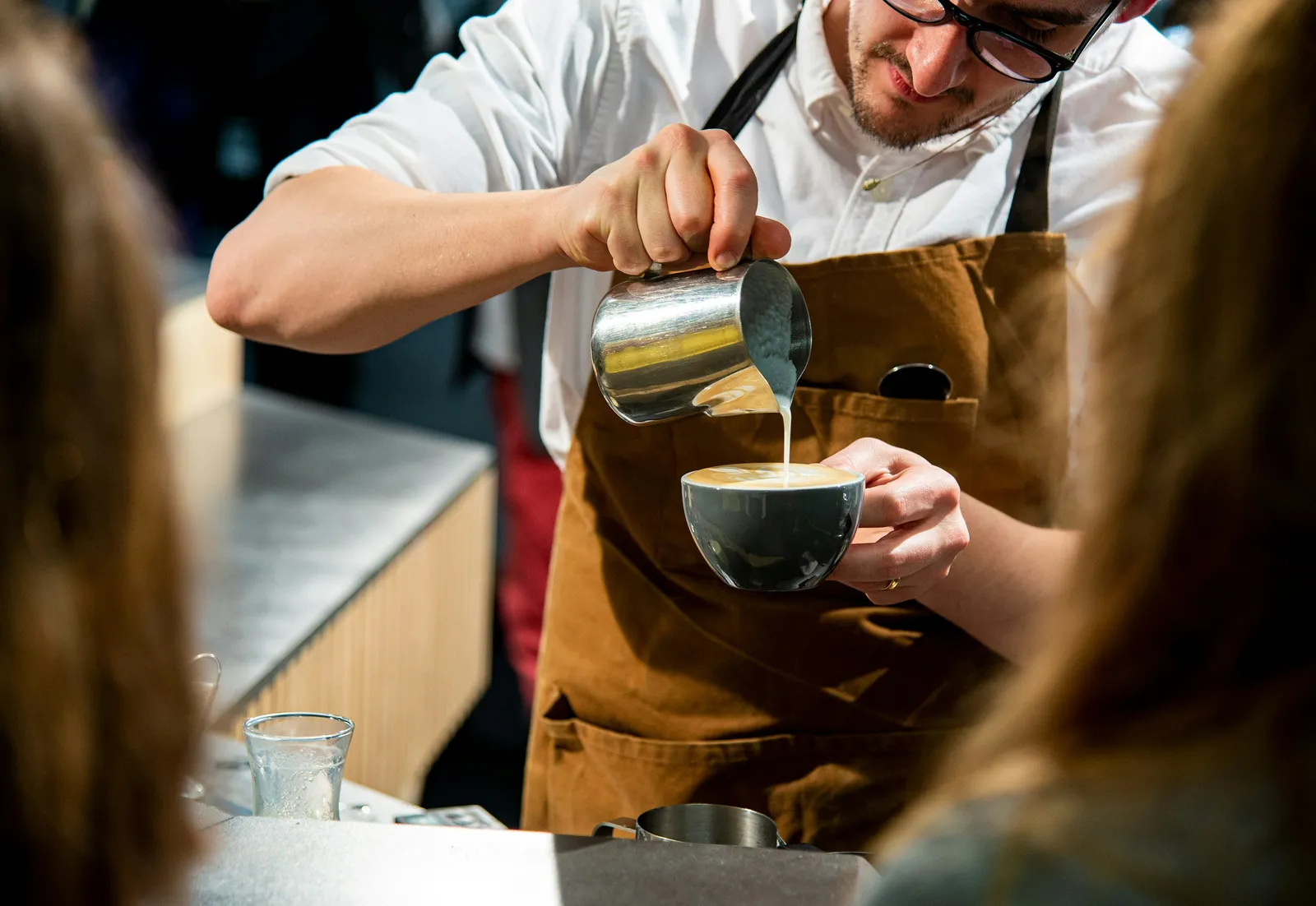
Everything changes from the phone behind the counter. Ordering is a switch you can leave off.
Open the dashboard on the phone behind the counter, change the flat white price, save. Every guest who scans from that second sees the new one. No print shop, no tape.
The last cinnamon roll goes; you tap it unavailable and it vanishes from every phone in the room. Tomorrow morning, tap it back.
Add the languages your guests read. Their phone opens the right one automatically. The code on the counter stays exactly the same.
Time-limited menus: the breakfast set shows until 11:00, the lunch sandwiches after. Nobody orders porridge at four in the afternoon.
Many cafés run it as a read-only menu with photos and allergens. Flip ordering on for the terrace or the weekend and guests pay from the phone; the money goes to your own payment provider.
Themes, fonts and colors to match the counter. Gallery or list layout, a photo on every item, badges for vegan and gluten-free, calories if you want them.
No hardware, no onboarding call, no setup fee. A café menu is short; most are live before the lunch rush.
Your café and its first location. Two minutes, no card.
Categories, items, photos, allergens and the languages you serve. Copy it from the board on the wall.
Download the QR code and print it, or order printed cards from the dashboard. Change anything later from your phone.
One morning with a menu that keeps up with the pastry case.
The oat-milk supplier’s new invoice arrives. The owner changes three prices on the phone while the milk steams. No sticker, no reprint.
The last cinnamon roll goes to the couple at the high table. One tap and it disappears from every menu in the room. The barista stops apologising.
Two guests from abroad scan the code at the counter and read the menu in their own language. They order the filter coffee and a slice of cake, not the safe cappuccino.
The breakfast set hides itself. The lunch sandwiches take its place, exactly as scheduled. Nobody touched anything.
Menu-only all week or ordering on the terrace at weekends, the menu reports to your analytics and your team chat. It is part of the QR menu at no extra cost: no add-on, no higher tier, no fee per event.
How conversions, webhooks and the API work


Add your GA4, Tag Manager or Meta Pixel in Analytics & tracking and it runs on the menu, while order and payment pages stay tag-free. Tag the Instagram story and the counter flyer with UTMs and GA4 shows which one opened the menu.






Switch ordering on for Saturday and each new order reaches the counter's Telegram group or Slack in seconds, with the total and a link back. Nobody refreshes the dashboard between two flat whites.




Zapier, Make, n8n or Pipedream pass each paid order to your accounting or a Google Sheet, with no code. The oat-latte weekend is counted before you have wiped down the steam wand.


Signed webhooks post each order as JSON to your own site or tools, and the REST API reads orders with their lines and totals. It is documented in the open at /docs/api, with keys you make in the dashboard.
49 ₾ a month per café. Unlimited items, photos, languages and scans. Ordering and card payments are included if you switch them on, and TapTime takes no share of what guests pay; the money goes to your own payment provider.
More than one café? Each location has its own menu and its own 49 ₾ subscription under one account, with staff scoped to their location. A digital loyalty card or table reservations can be switched on later, separately.
Yes, and many cafés do. Ordering is a single switch in the settings; leave it off and the code opens a read-only menu with photos, allergens and prices. Turn it on later for the terrace or the weekend rush if you want guests to order and pay from the phone.
Open the dashboard on any phone, tap the item, change the price or flip the sold-out toggle and save. Every guest who scans from that moment sees the change. Nothing to reprint.
No. The menu opens in the phone’s browser the moment the camera reads the QR code. Any iPhone or Android phone, no download, no account.
Yes. Add a translation for each item in the dashboard and the guest’s phone opens the menu in its own language. The QR code on the counter never changes.
No. The code points to your menu, not to a version of it. Print it once, and everything behind it — items, prices, photos, languages — changes from the dashboard.
Yes. Give a category or an offer a time window, such as breakfast until 11:00, and it shows and hides itself on schedule. Combos and promotions work the same way.
49 ₾ a month per location, flat, with unlimited items and scans. Paid monthly by card, no contract, no setup fee. The first 14 days are free and you do not enter a card to start.
After a short grace period the menu is paused and the code shows guests a brief “temporarily unavailable” note. Nothing is deleted; switch the subscription back on and the menu is exactly as you left it.
Yes. Paste your GA4 measurement id, Tag Manager container or Meta Pixel in Website & Design, under Analytics & tracking, and it works on a menu-only page too. Order and payment pages never load those tags. If you switch ordering on, TapTime also reports each order to GA4, Meta and Google Ads as one purchase.
Fourteen days free, no card, cancel any time. Your first café menu is fifteen minutes away.
14 days free No card required Cancel anytime
Hello. Ask me anything about TapTime — what it does, what it costs, or how to set something up. I answer from our help center.
Answers come from our help center and can be wrong. For anything about your own account, write to us.